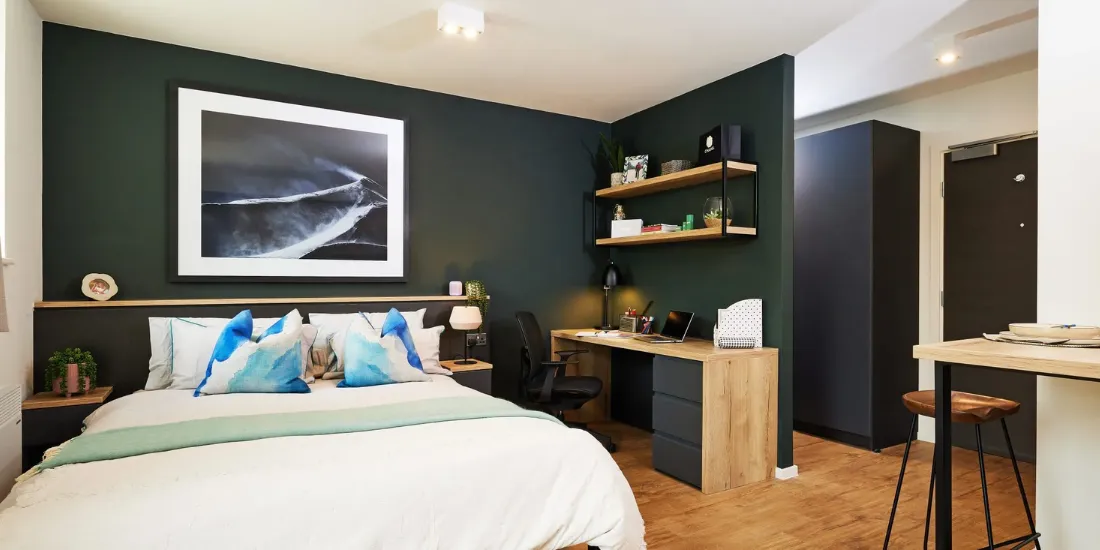
Smart devices in student housing, from connected locks to plugs and speakers, are only as safe as their passwords, updates and support dates. The UK’s National Cyber Security Centre (NCSC) gives a short list of steps that apply whether you bring your own devices or move into a building that already has them.
Details come from the NCSC’s guidance “Smart devices: using them safely in your home”, checked on 30 October 2026. I have not quoted statistics on study results, energy savings or retention, because I could not verify any against reliable sources.
Before you buy or accept a device
- Read reviews of the product and manufacturer, and check what it needs to work: an internet connection, a phone or tablet, an app or an online account.
- Check the support date. The NCSC says to treat it as a “use by” date and to avoid devices that are no longer supported or will lose support soon. The manufacturer’s website should say how long a device will be supported.
Setting up safely
- Change any default password. Easily guessed passwords can be discovered by criminals.
- Make the new password strong, for example by combining three random words.
- Turn on 2-step verification if the device or app offers it.
- Switch off remote access if you do not need to reach the device away from your Wi-Fi.
- Turn on automatic updates and install manual ones promptly.
When you move out
Before you sell or give away a device, factory reset it to remove your personal data. If you think someone has taken control of a device, reset it using the manufacturer’s instructions.
Questions to ask your landlord or university
The NCSC page is written for devices you own. If a building supplies smart locks, thermostats or sensors, the NCSC page does not tell you what the operator does with the data, so ask directly. These are suggested questions, not requirements from the guidance:
- Who controls the devices, and can you change the settings in your own room?
- What data do they collect, and where is it stored? Look for this in the privacy notice.
- Who updates the devices, and for how long will they be supported?
- Can you use your own router or plug-in devices? Check the tenancy rules before installing anything.
FAQs about smart tech in student housing
Is it safe to use smart plugs in a student room?
Follow the NCSC steps: change default passwords, use 2-step verification where offered, keep software updated and check the support date. Also read your tenancy or hall rules first.
What should I do with smart devices at the end of the year?
Factory reset them before you sell, give away or leave them behind.
Sources
Checked 30 October 2026.